Here's what happens when you drop a document.
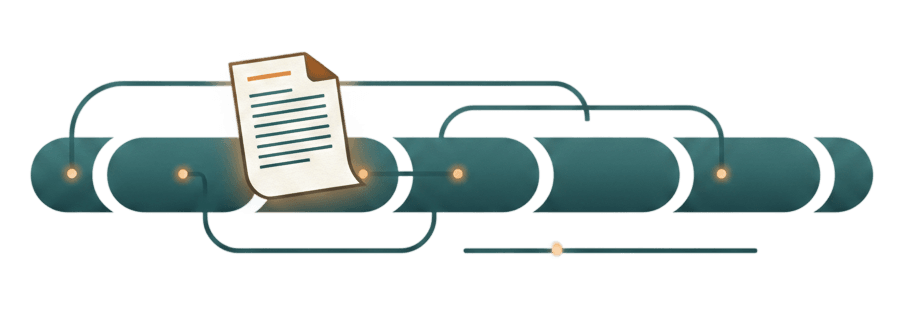
From the moment a file enters Arheko to the moment it's filed and queryable — every step is automatic. Your only job is the upload.
CAPTURE
Upload once. Everything else is handled.
Receive
Upload a document from any source — drag and drop, email forward, mobile scan, API. Optionally attach a note for context the AI can use during processing.
Read
Arheko extracts the full text content from the document, whether it's a native PDF, a scanned image, or a photo from a job site. Handwriting, stamps, and low-quality scans are handled.
Classify
The AI identifies the document type — Invoice, Contract, Permit, Receipt, Delivery Note — based on its content, not its filename. Your configured document types define the categories.
Extract
Structured fields are pulled automatically: dates, amounts, vendor names, project references, contract numbers. The fields depend on the document type and your configuration.
Name
A canonical filename is generated according to your naming template. `scan_003_FINAL.pdf` becomes `2024-11-15_BuildCorp_Invoice_INV-2847.pdf`. Consistent, searchable, human-readable.
File
The document is placed in the correct folder path based on your filing rules — by entity, project, document type, and date. It is linked to the appropriate cost object automatically.
QUERY
Talk to your archive.
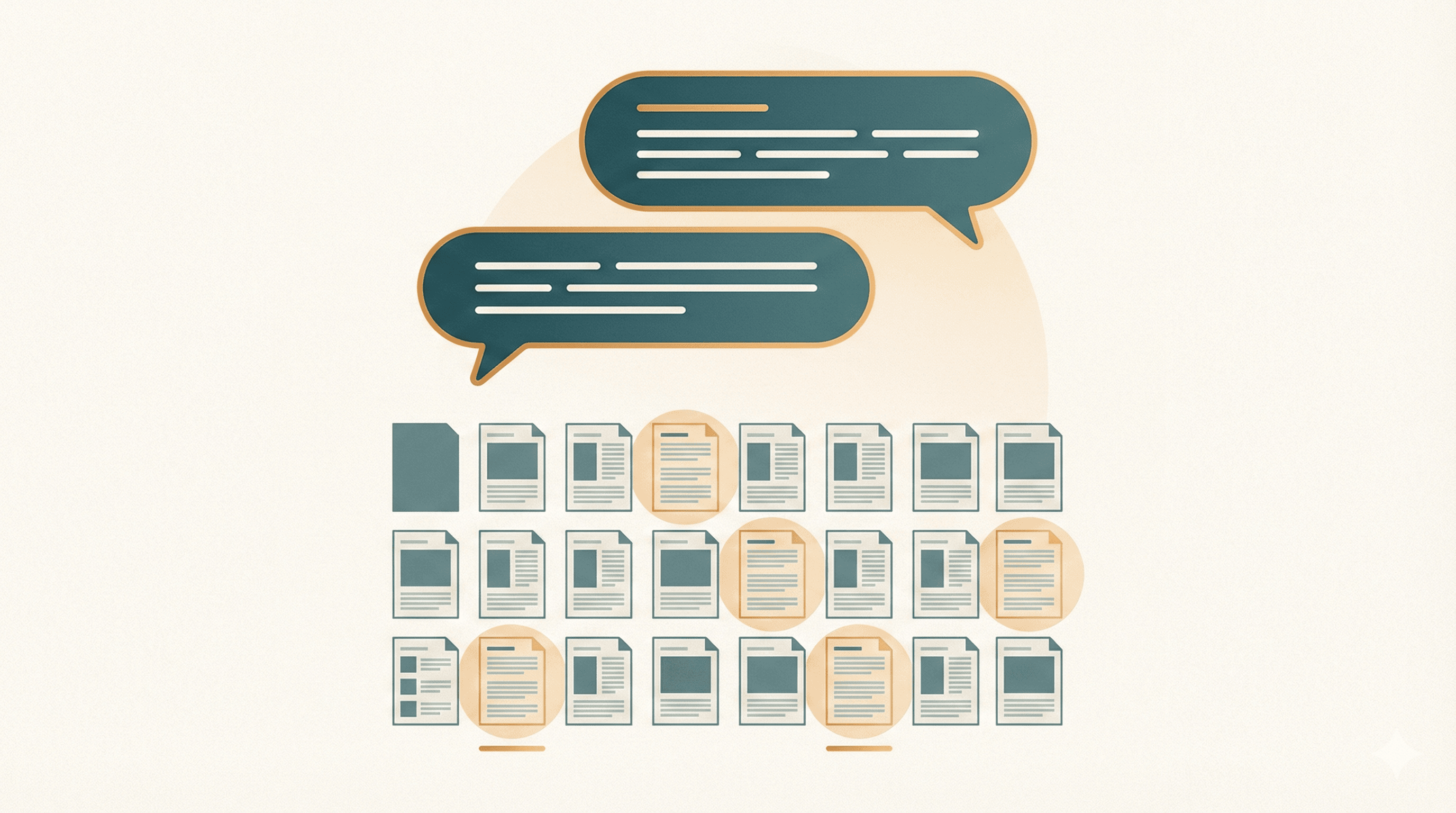
Arheko exposes your document archive through MCP (Model Context Protocol) — the open standard for connecting AI assistants to external data.
Connect it to Claude or ChatGPT, and ask questions in plain language.
- User: Show me all invoices from BuildCorp in the last 6 months.
- User: What's the total cost on Project Alpine?
- User: Find the signed lease for the Maribor warehouse.
- User: Which permits expire before June?
Every answer references the actual source documents. You are not trusting the AI's memory — you are querying structured, verified data with a full audit trail.
YOUR RULES
Configured to your business. Not a template.
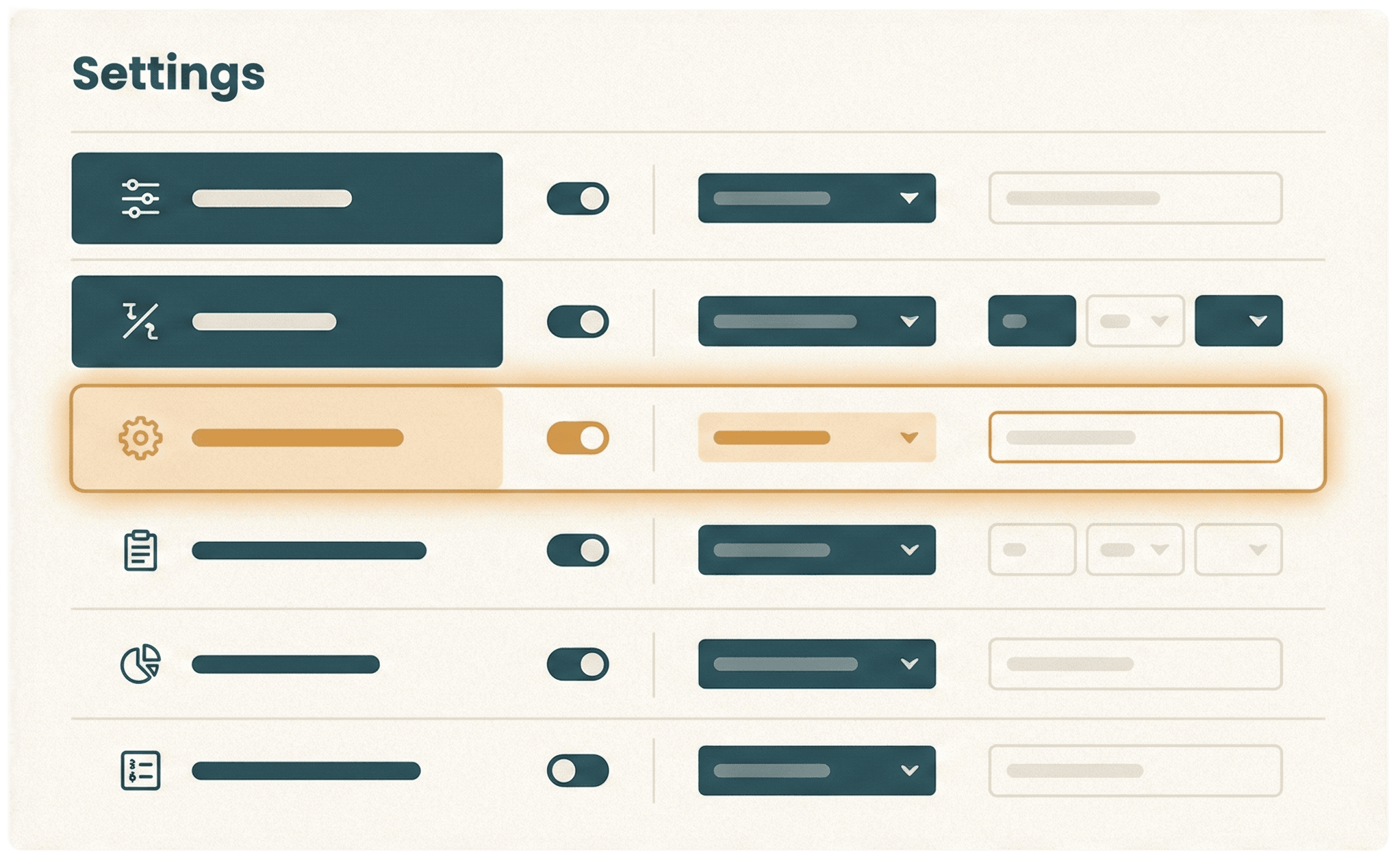
Arheko does not impose a fixed structure. During onboarding, we configure the system to match how your business actually works:
The AI follows your rules. When your business changes, the configuration changes with it. Reconfiguration is included.
THE DIFFERENCE
What changes.
Before Archeko
- ×Documents scattered across Drive, email, and WhatsApp
- ×Manual renaming:
Invoice_FINAL_v2_SIGNED.pdf - ×Filing depends on who remembers where things go
- ×Finding a document means searching, scrolling, asking around
- ×Audit prep takes days of reconstruction
- ×No connection between documents and financial context
With Archeko
- Every document in one structured archive
- Canonical naming:
2024-11-15_BuildCorp_Invoice_INV-2847.pdf - Filing is automatic and rule-based
- Finding a document means asking a question in plain language
- Audit trail is built-in and always current
- Every document linked to its project, entity, and cost object
See it work with your own documents.
The best way to understand Arheko is to try it. Upload a real invoice, contract, or receipt and watch it process in seconds.
Start your free trial